
Wholesalers
B2B order books with repeat buyers who expect clean invoices before payment terms start.
Retail & wholesale
Wholesalers and distributors in Pakistan issue dozens or hundreds of sales tax invoices daily. eInvoicePro handles buyer checks, tax rules, and bulk submission so billing keeps pace with dispatch — not the other way around.
Who it’s for
When dispatch volume outruns a single invoice screen, FBR compliance becomes an operations problem — not just an accounts problem.
B2B order books with repeat buyers who expect clean invoices before payment terms start.

High daily dispatch counts across routes, depots, and dealer networks.
Central or branch billing that still needs consistent FBR proof across locations.
Volume reality
Digital invoicing is not optional theatre for traders in scope — and manual entry does not survive a busy dispatch day.
Daily rhythm
A practical sequence that keeps dispatch and FBR in the same day — not the same week.
Buyers and line items come from orders, spreadsheets, or ERP — not from memory.
Confirm NTN/CNIC for each party before you commit the invoice batch.
Run the batch through eInvoicePro product screens or the API path.
Fix rejections same day so books, inventory, and FBR stay aligned.
Capabilities
Built for dispatch-driven billing — not occasional invoices from a quiet accounts desk.
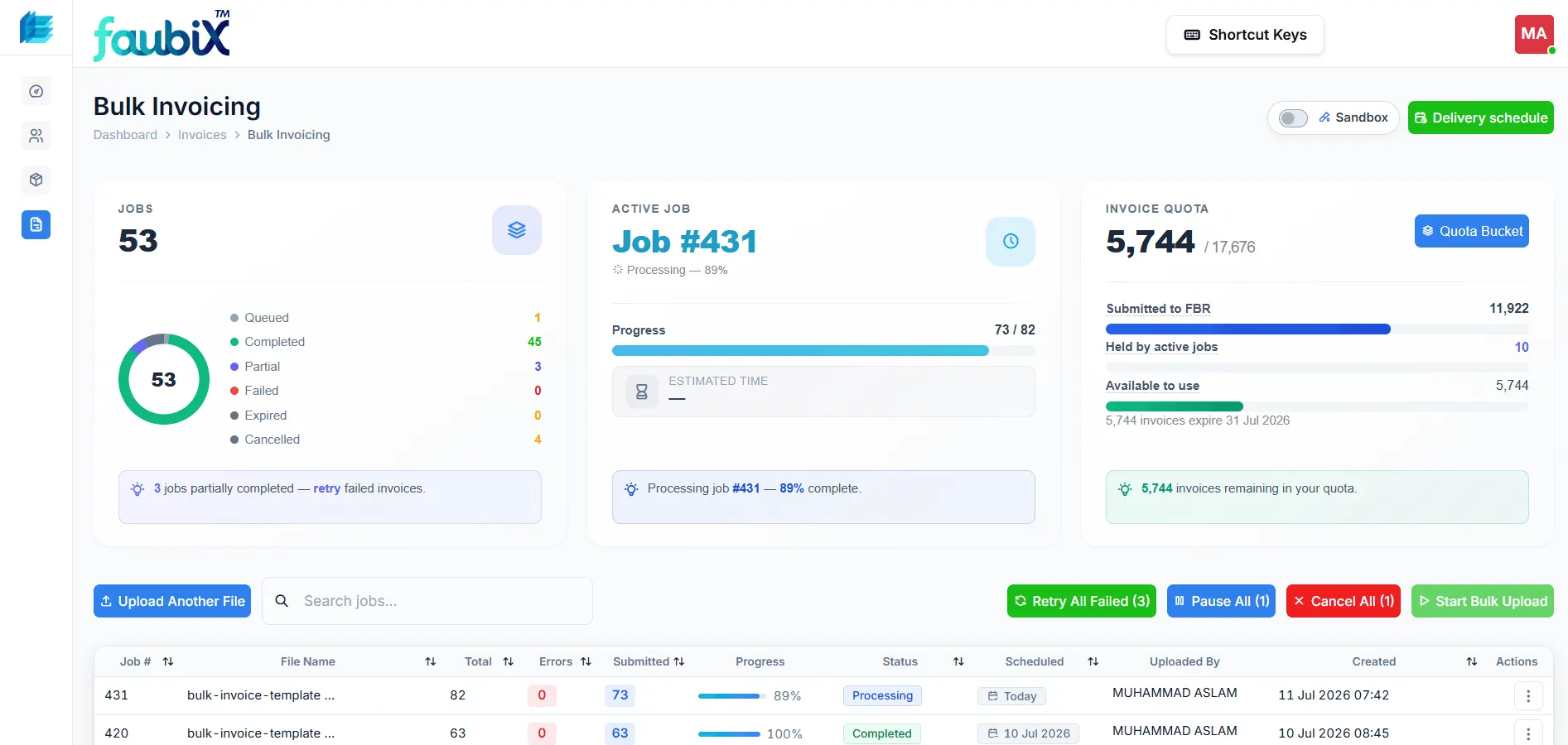
Process many sales tax invoices in one session instead of endless one-by-one entry.
NTN and CNIC checks before invoices leave your desk — fewer rejections on high-volume runs.

Send invoice data from billing or ERP via API without replacing your order system.
Bring a sample day of invoices to a demo. We will show bulk screens, ERP connection options, and how exceptions get cleared.
FAQ
Straight answers for billing managers, distributors, and finance leads.
Most dispatch-driven teams stop typing invoices one by one. They prepare buyer and line-item data from orders or ERP, verify NTNs before billing, then submit in bulk through eInvoicePro screens or the API. Exceptions get fixed the same day so cash collection and compliance do not drift apart.
Yes. eInvoicePro checks NTN and CNIC details before you issue the invoice. Catching bad registration data before dispatch prevents a common wholesale failure mode: trucks already gone, invoice rejected, and finance chasing the buyer for corrected details.
No. If invoices already live in an ERP or custom billing system, the API connects that source of truth to FBR. Teams that still work from spreadsheets or order books can start on eInvoicePro screens and add ERP connection when volume justifies it.
You see which invoices failed and why — typically buyer data, tax treatment, or missing fields. Fix the exceptions and resubmit without redoing the entire dispatch list. Leaving rejections overnight is how wholesale books drift out of sync with FBR.
Often yes for the wholesale desk, while retail counters may use faster single-invoice or POS-connected flows. Book a demo and we will map both rhythms so your team is not forced into one workflow that fits neither channel.
Continue
Go deeper on bulk, ERP connection, or patterns we see across high-volume traders.
Join 2000+ businesses that use eInvoicePro to make invoices and send them to FBR.